| BustedGear.com |
| Shop | Repairs | Manufacturers | Resources | iFAQs | About |

|
|||
| Korg® Triton Pro | 1: Analog Board Removal | ||
|---|---|---|---|
|
Last Page < |
Page Bottom ∨ |
Next Page > |
|
|
|
|||
|
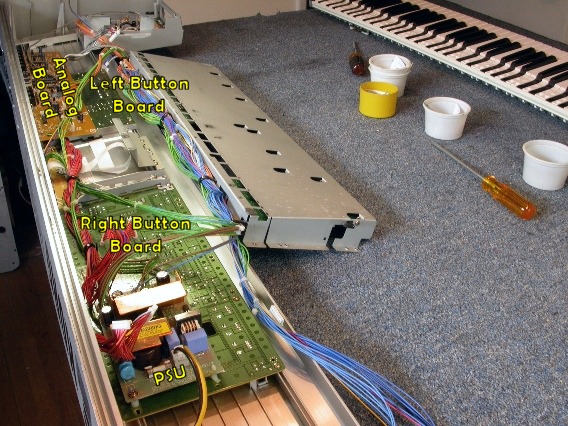
This is a partially disassembled Triton Pro. The layout is the same as a Triton or a Triton Le. The Triton Disassembly Repair Story shows the steps leading up to this photo. We have to remove either the Left or the Right Button Board, or both, in order to remove and replace worn-out tactile switches. We'll start with the Left Button board. First we have to remove the Analog PCBA (printed circuit board assembly) directly above it.
|
|
|---|---|
|
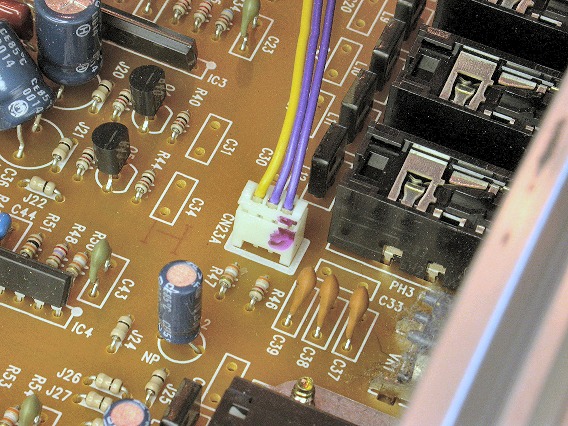
There are two connectors to unplug on the Analog PCBA. Here you see one of them. |
|
|
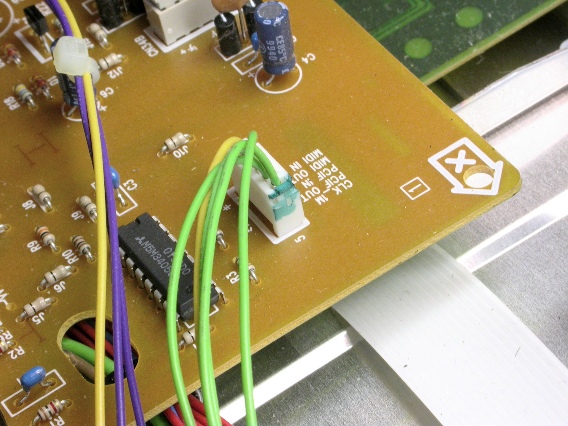
And here's the other. |
|
|
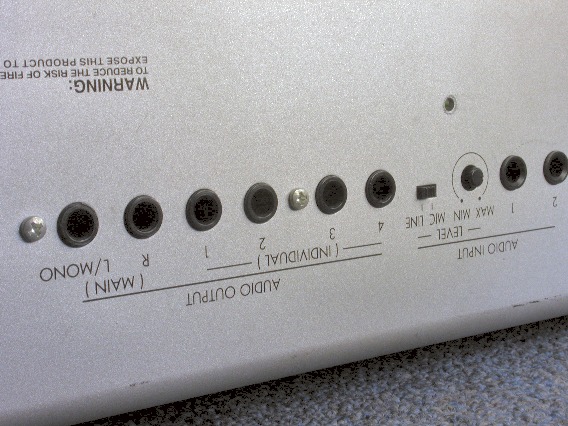
Seven screws attach the Analog PCBA to the rear panel. Here you see two of them. |
|
|
Here you can see the other five. They're all sheet metal screws of the same size except for one machine screw in the "TO HOST" connector. |
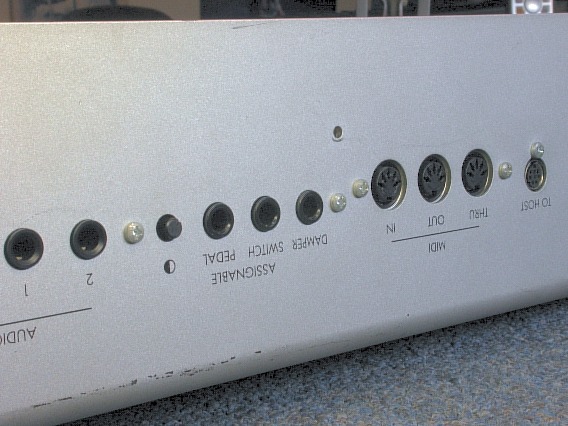
|
|
Now you can swing the Analog PCBA out of the way of the Left Button board. |
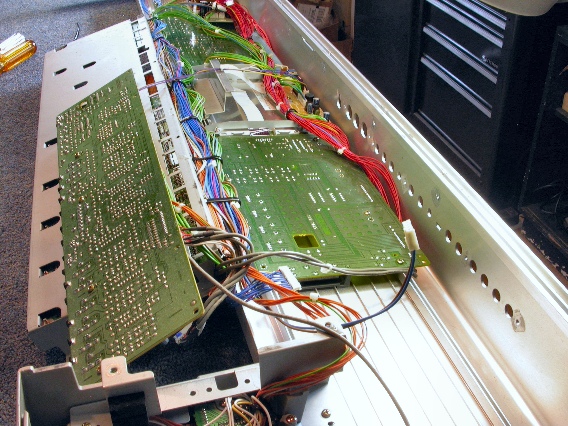
|
| Korg® Triton Pro | ||
|---|---|---|
|
Last Page < |
Page Top ∧ |
Next Page > |
|
|

|
|
|
Page design and content Copyright © Richard Diemer - All rights reserved |
|